RFP Content Library Best Practices: Build, Govern, and Scale Your Proposal Knowledge Base

Article written by
Kate Williams

INSIDE THE ARTICLE
SHARE THIS ARTICLE
Summary
Your RFP content library is either your biggest competitive weapon or your biggest liability. Teams with well-governed libraries cut response times by 80% or more and see win rates climb significantly. Teams without them? They spend 60-70% of every RFP cycle just hunting for information. This guide covers everything: what to put in your library, how to structure it, who owns what, how to work with SMEs without burning them out, which metrics actually matter, and where AI fits into all of it. No fluff, no theory. Just what works.
Let me paint you a picture you probably recognize.
It is a Thursday afternoon. A high-value RFP just landed. Deadline is tight. Your proposal manager fires off Slack messages to six different SMEs. Two respond with outdated answers from a Google Doc that hasn't been touched in eight months. One sends a PDF that was written for a completely different vertical. The other three? Radio silence.
Sound familiar? You are not alone.
The average RFP response takes 20 to 40 hours of distributed effort across teams. And here is the part that should make you uncomfortable: 60 to 70 percent of that time is spent hunting for information, not crafting strategic responses. That is not a productivity problem. That is a structural one.
The fix is not working harder or hiring more people. The fix is building, governing, and scaling an RFP content library that actually works.
This guide breaks down exactly how to do that, step by step, from a practitioner perspective. No theory. No hand-waving. Just what works.
What Is an RFP Content Library and Why Should You Care?
An RFP content library is a centralized repository of pre-approved, searchable, version-controlled answers that your proposal team uses to respond to RFPs, RFIs, DDQs, security questionnaires, and sales proposals.
Here is what it is not: a folder full of old proposals.
That distinction matters more than most teams realize. A collection of past RFPs is not a content library. It is a graveyard of context-specific answers that will get you into trouble when you copy-paste them into a new submission without checking the details.
A real content library is organized around questions and answers, not documents. Each answer is treated as an asset with a clear owner, an approval date, and an expiration signal.
When done right, the numbers speak for themselves:
- 80% shorter response times compared to manual systems
- 15% higher win rates when using well-structured, AI-optimized libraries
- 90% reduction in content duplication
- 3 to 5x more RFPs handled with the same headcount
When done wrong? Content libraries degrade at roughly 22 percent per month without governance. That means in less than five months, your entire library becomes unreliable. And unreliable content is worse than no content at all, because it gives your team false confidence.
SparrowGenie turns that mess into a centralized, governed knowledge base in minutes. Experience it in a 15-minute demo.
What Belongs in Your RFP Content Library
A high-performance library is built around reusable building blocks, not loose paragraphs. Think of it as a modular system where every piece serves a specific purpose.
Here is what should live in yours:
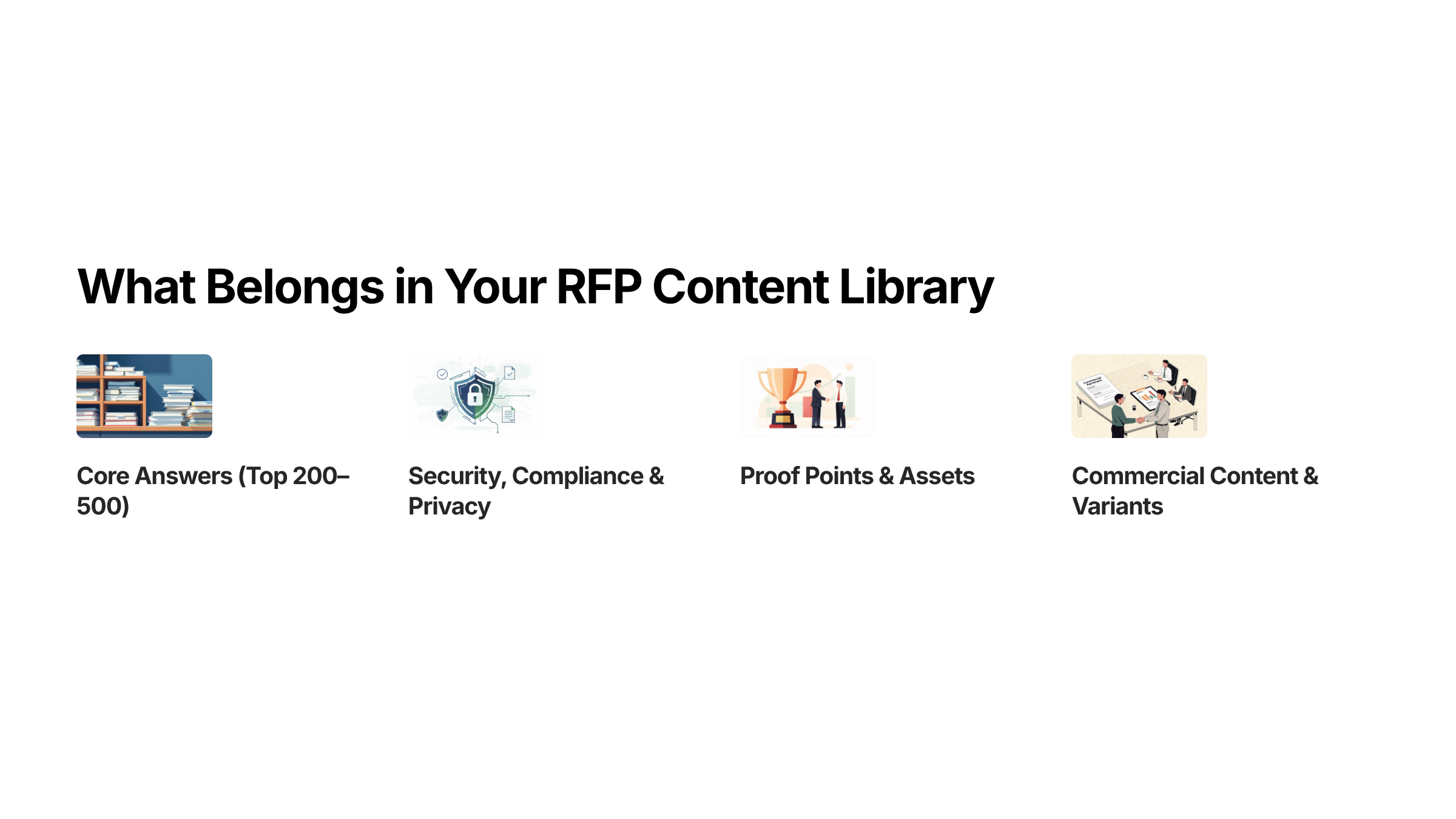
Core Answers: Your Top 200 to 500
These are the answers that show up in almost every RFP your team touches. Company overview, product capabilities with approved safe language, implementation templates, support and SLA descriptions, and your standard differentiators.
Past proposals typically contain 70 to 80 percent of the language needed for future responses. That makes them the richest source for your initial content. But you need to extract, clean, and modularize those answers, not just point people to old documents.
Security, Compliance, and Privacy
This is the most frequently requested category and the one where accuracy is non-negotiable. Your library should include current certifications like SOC 2 Type II and ISO 27001, encryption standards, access control architecture, penetration testing cadence, incident response processes, subprocessor lists, and data residency options.
Every single entry needs a clear owner and a defined review cycle. Certifications expire. Policies change. One outdated compliance answer in a high-stakes bid can disqualify you before a human even reads your proposal.
Proof Points and Assets
Case studies with measurable metrics, customer quotes, analyst validations, architecture diagrams, data-flow visuals, and screenshots. Organize them by industry, company size, use case, and measurable outcome. Include whether customers are available for reference calls.
Metadata here should capture industry, region, KPI improved, source or citation, and product version. The more structured this is, the faster your team finds the right proof point for the right buyer.
Commercial Content and Variants
Pricing guardrails, contractual clauses with redline guidance, SOW and renewal templates, and industry or geography forks. These should reflect approved commercial positions and be coordinated with sales leadership and legal.
Objection Handling and Scaffolding
Standard objections with approved responses, sanitized comparison matrices, executive summary shells, and portal-ready answer formats. This layer speeds personalization and helps reps handle competitive situations without going off-script.
Governance and Findability Metadata
Owner and steward assignments, review cadence, confidence status (auto-use, review required, or restricted), citations and source-of-truth links, tagging, synonyms, collections, and gold version rules. This metadata layer is what separates a library that gets used from one that gets abandoned.
How to Build Your RFP Content Library: A 7-Step Playbook
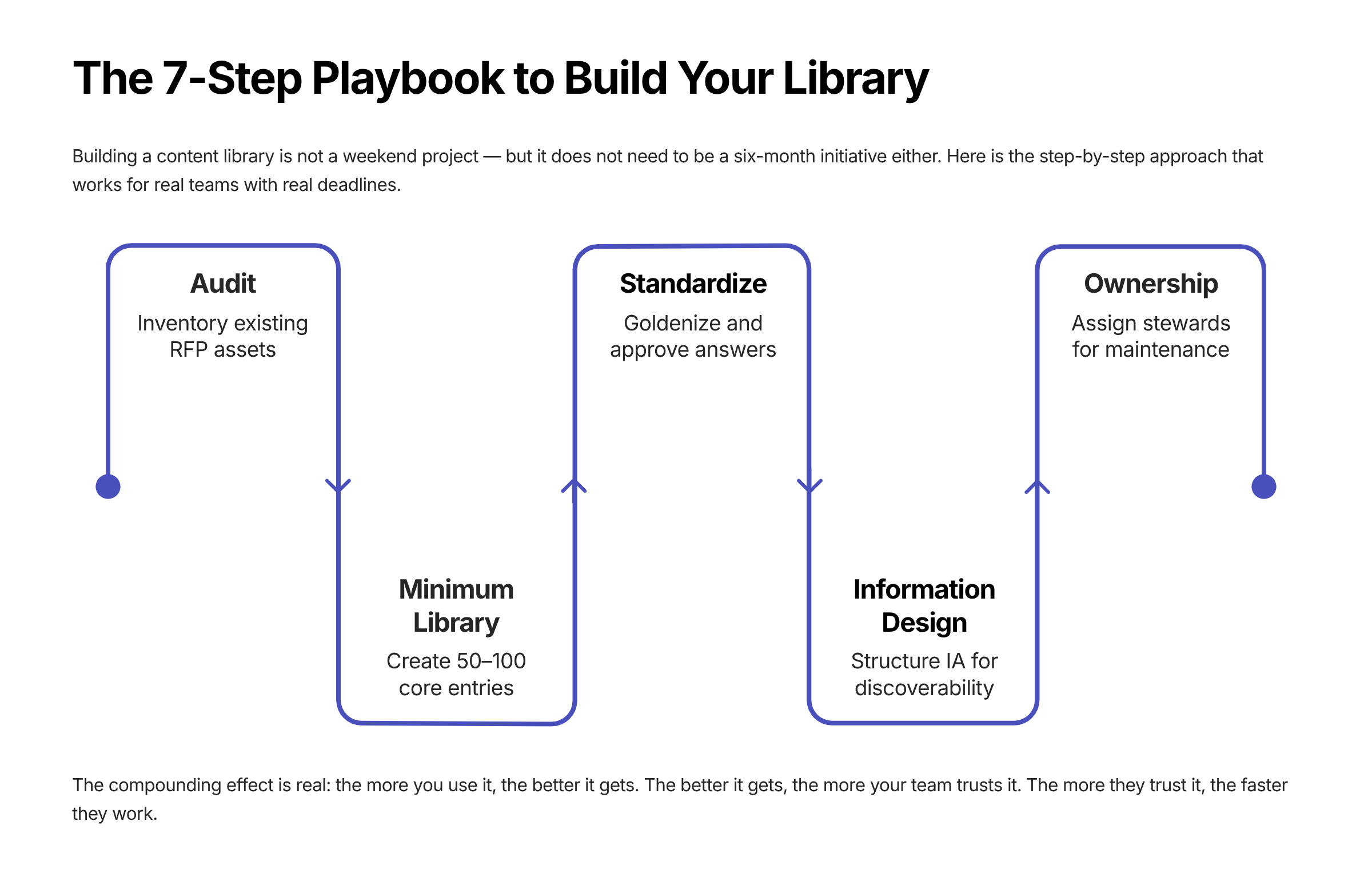
Here is where the rubber meets the road. Building a content library is not a weekend project. But it does not need to be a six-month initiative either. Here is the step-by-step approach that works.
Step 1: Audit What You Already Have
Before you build anything new, mine your existing assets. Pull from past proposals, sales decks, presentations, and internal documentation. Skipping this step leads to teams reinventing answers that already exist.
Step 2: Start With a Minimum Viable Library
Begin with 50 to 100 entries covering the essentials: company information, compliance and certifications, product and service overviews, and key case studies. Do not try to boil the ocean on day one. Teams that attempt to build a massive library from scratch often stall the project before it delivers any value.
Step 3: Standardize and Goldenize
Pull the last 6 to 12 months of RFx responses, de-duplicate into modular blocks, attach supporting evidence like certifications and diagrams, strip buyer-specific names, and set initial confidence levels. Trim long, sales-heavy responses into concise, customer-focused language. Remove duplicates ruthlessly.
Step 4: Design Your Information Architecture
Build atomic blocks where each entry covers one idea. Create a comprehensive metadata schema covering product, feature, industry, geography, regulation, role, use case, confidence level, owner, and review dates. Design a tiered hierarchy: domain, then topic, then specific question. Three levels is typically enough for searchability.
Every entry should have a short answer of two to three sentences for quick questionnaire responses, a detailed answer for long-form RFPs, the source document, the approving SME, the last review date, and topic tags.
Step 5: Assign Ownership
Designate a primary owner and backup for each content category. Security answers are owned by the security team. Product answers by product management or solutions engineering. Commercial terms jointly by sales leadership and legal. Ownership means accountability for review cycles and resolving conflicts. No orphaned content. Ever.
Step 6: Expand Through Daily Use
Treat every RFP submission as an opportunity to capture and update the library. Flag strong or reusable responses during drafting, assign each to the relevant SME for accuracy checks, and once approved, add to the library with appropriate tags, source, and last-updated date.
This is where the compounding effect kicks in. The more you use it, the better it gets. The better it gets, the more your team trusts it. The more they trust it, the faster they work.
Step 7: Integrate With Your Tools
Connect the library to your CRM, document platforms like Google Drive and SharePoint, communication channels like Slack and Teams, and ticketing systems for update requests. The goal is to prevent data silos. When answers are scattered across email threads, personal folders, and chat apps, response speed drops and the risk of outdated information increases.
SparrowGenie flattens the climb. Upload your existing docs, and the AI structures your knowledge base for you, no manual Q&A pairing needed. See how it works.
Taxonomy, Tagging, and Metadata: The Hidden Architecture
Most sales teams build the content but ignore the architecture that makes it findable. Taxonomy design is the difference between a library that gets used daily and one that gets abandoned within a quarter.
The central principle: organize by how people search, not how content was created.
Your Tagging Strategy
Label answers by content type, business unit, compliance requirement, and product line. Use consistent tags across the organization with a small number per entry. Keep formatting consistent to avoid duplicates, and avoid overly specific tags that fragment your content.
The Metadata Schema That Actually Works
Metadata Field | Purpose | Example Values |
|---|---|---|
Product / Feature | Links answer to specific offering | Platform, API, Analytics |
Industry | Enables vertical filtering | Healthcare, FinServ, Gov |
Geography | Supports regional compliance | NA, EU, APAC |
Regulation | Maps to compliance frameworks | GDPR, HIPAA, SOC 2 |
Buyer Role | Targets persona-specific language | CISO, Procurement, IT Dir |
Use Case | Connects to buyer scenarios | Data migration, SSO |
Confidence Level | Controls auto-use vs. review | Auto-Use, Review, Restricted |
Owner | Accountability for accuracy | Security Team, PM |
Last Review Date | Freshness tracking | 2026-01-15 |
Next Review Date | Proactive maintenance | 2026-04-15 |
Controlled Vocabulary and Synonyms
Use a controlled vocabulary with synonyms so search works regardless of terminology. Searching for enterprise authentication should surface answers about SSO, SAML, Active Directory integration, and MFA. Pre-build starter collections for common buyer profiles so your team can grab a curated pack of answers for specific industries or verticals.
Governance: The Part Nobody Wants to Do But Everyone Needs
Let me be direct: most content library initiatives fail because of unclear ownership and stale content. Not because the technology was wrong. Not because the team was lazy. Because nobody established governance before launch.
Governance is what determines whether your library compounds in value or becomes shelfware.
Roles and Responsibilities
Role | Responsibility |
|---|---|
Library Administrator | Oversees content updates, access permissions, overall library health |
Content Domain Owner | Accountable for accuracy and review cycles within their domain |
Subject Matter Expert | Reviews and validates specialized responses, contributes technical expertise |
Content Steward / Backup | Secondary accountability when primary owner is unavailable |
Proposal Writer / Manager | Assembles proposals from library, provides feedback on content gaps |
Review Cadence by Content Type
Manual quarterly reviews fail because they are disconnected from the events that actually trigger changes. The best approach combines scheduled cadences with event-triggered reviews:
Content Type | Scheduled Cadence | Event Triggers |
|---|---|---|
Security & Compliance | Annually minimum | Cert renewal, policy changes, audits |
Product Functionality | At major releases | Feature launches, deprecations |
Commercial Terms | Quarterly | Pricing changes, legal updates |
Company Background | Semi-annually | Funding rounds, exec changes |
Case Studies | Semi-annually | Customer churn, reference availability |
Approval Workflows and Archiving
No entry should be added to the knowledge base without the domain owner's approval. This is especially critical for security and compliance content, where unapproved answers can create legal exposure.
When it comes to retiring content, archive rather than delete. This preserves historical context without cluttering your active library. Maintain a structured archive with metadata like the date retired, reason for retirement, and potential replacements. But be ruthless about keeping your active library lean. Bloated repositories slow teams down more than they help.
SME Collaboration: How to Get Expert Input Without the Burnout
Subject matter experts are integral to responsive, compelling proposals. They bring depth, technical credibility, and differentiation. But here is the uncomfortable truth: supporting RFPs is not their primary job. And most teams treat SME involvement like an afterthought.
Here is how to fix that:
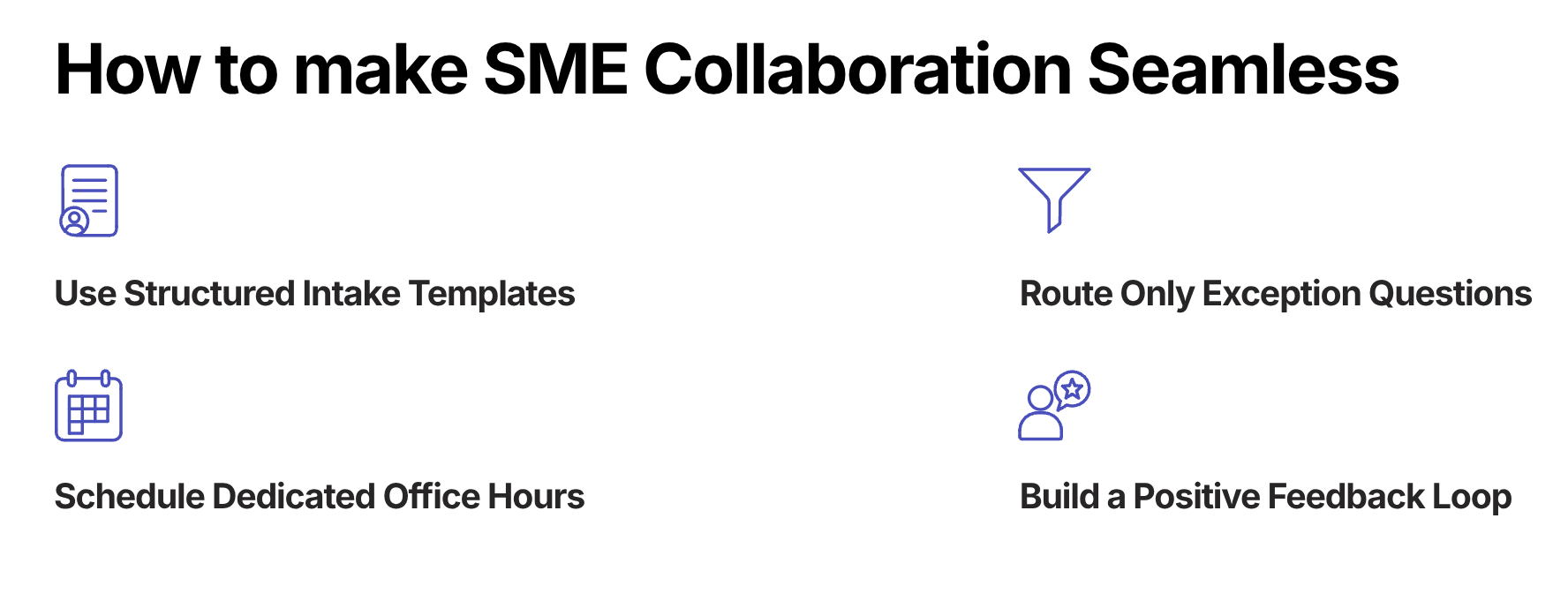
- Use structured intake templates with context and related past responses instead of open-ended questions. Give SMEs something to react to, not a blank canvas.
- Route only exception and novel questions to SMEs. Let the library handle repetitive answers. Every time you send an SME a question the library could have answered, you are wasting their time and eroding their goodwill.
- Schedule dedicated RFP office hours, say twice weekly, rather than allowing constant interruptions. This batching approach protects SME focus time and reduces context-switching.
- Give SMEs hard deadlines with clear consequences. Something like: if we do not hear from you by this date, we cannot implement your feedback in this submission.
- Keep SMEs informed about which content is being used most so they feel invested and accountable, not just exploited for their expertise.
- Approach busy experts in the format that works best for them. Some prefer quick calls over written responses. Meet them where they are.
When an SME provides a great response, immediately add it to the library with proper tagging. Build a positive feedback loop. The faster SMEs see their contributions being reused and valued, the more willing they are to engage.
Tired of chasing SMEs across Slack, email, and prayer? SparrowGenie routes only the questions that actually need expert input, with context and past responses already attached. Book a demo to know more.
Metrics That Actually Matter
Tracking the right metrics transforms content library management from a gut-feel exercise into quantified ROI. Here is what to measure:
Efficiency Metrics
- Time per RFP response: Target under 2 hours versus the 20 to 40 hour baseline most teams live with
- Auto-answer rate: Percentage of questions answered from existing content versus created new. With a well-curated library, 40 to 80 percent auto-response is realistic
- SME hours saved: Quantify the capacity freed up monthly
- Knowledge base coverage rate: Percentage of RFP questions with pre-approved answers
Quality Metrics
- Answer freshness: Percentage of entries reviewed in the last 90 days. Target 90 percent or higher of top items with an owner and next-review date
- Source verification rate: Percentage of answers with attributable sources
- Content reuse rate: Percentage of proposal content sourced from pre-approved libraries rather than created from scratch
Business Impact Metrics
- RFPs handled per month: Measure your capacity increase over time
- Win rate: Compare submissions using the library versus manual processes
- Velocity: Track time-to-first-draft and time-in-review reductions
- Defect rate: Monitor errors, inconsistencies, and compliance misses
Content Library Health Benchmark
A healthy content library should show this profile:
Health Indicator | Target Range |
|---|---|
Questions auto-answered from library | 40 - 80% |
Content exists but needs editing | 30 - 40% |
Requires brand-new content | 20 - 30% |
SparrowGenie tracks content usage, confidence scores, review freshness, and response velocity in real-time dashboards, so you always know where your library stands. Take a look with a demo.
The 30-60-90 Day Rollout Plan
A phased approach prevents the common failure of attempting too much at once. Here is a battle-tested rollout plan:
Days 0 to 30: Foundation
- Inventory existing content across past proposals, decks, and internal docs
- Define your metadata schema and taxonomy structure
- Goldenize your top 200 entries with clean, modular formatting
- Onboard two pilot teams to start using the library in active RFPs
Days 31 to 60: Integration
- Set up integrations with your CRM, Google Drive or SharePoint, and browser add-ins
- Configure routing and exports for proposal assembly
- Train the broader team with an assemble first, personalize last methodology
Days 61 to 90: Optimization
- Add content variants and industry-specific packs
- Retire stale entries that no longer reflect current capabilities or policies
- Publish your KPI dashboard so everyone can see library health and usage
- Stand up a monthly content council to review gaps, conflicts, and improvement opportunities
Where AI Fits Into All of This
AI is changing how content libraries are built, maintained, and used. But let me be clear about something: AI layered on top of a poorly governed library does not fix anything. It makes things worse. Because now you have an AI confidently generating answers from outdated or incorrect source material. That is not automation. That is automated risk.
When the foundation is solid, though, AI unlocks capabilities that were not possible before:
- Semantic search that understands intent rather than requiring exact keyword matches. Searching for enterprise authentication surfaces answers about SSO, SAML, Active Directory, and MFA.
- Automated freshness monitoring that detects changes in connected source systems and triggers reviews of affected entries.
- Conflict and duplicate detection that flags contradicting or redundant content automatically.
- Intelligent response generation that analyzes RFP questions semantically, identifies relevant entries, combines information from multiple sources, and generates complete responses with source citations.
- Content scoring based on freshness, relevance, and usage patterns so your team knows which answers are battle-tested and which need attention.
The quantified impact is significant. Teams using AI-optimized content libraries report 60 to 80 percent workflow improvement, 2x higher shortlist rates, and up to 91 percent reduction in compliance errors when AI-driven audits are in place.
But here is the critical caveat: AI-generated responses from a well-maintained library are accurate, source-cited, and ready for light customization. AI-generated responses from a poorly maintained library produce confident-sounding answers with outdated or incorrect information. And that is worse than not automating at all.
The library itself is the prerequisite. AI is the accelerant, not the foundation.
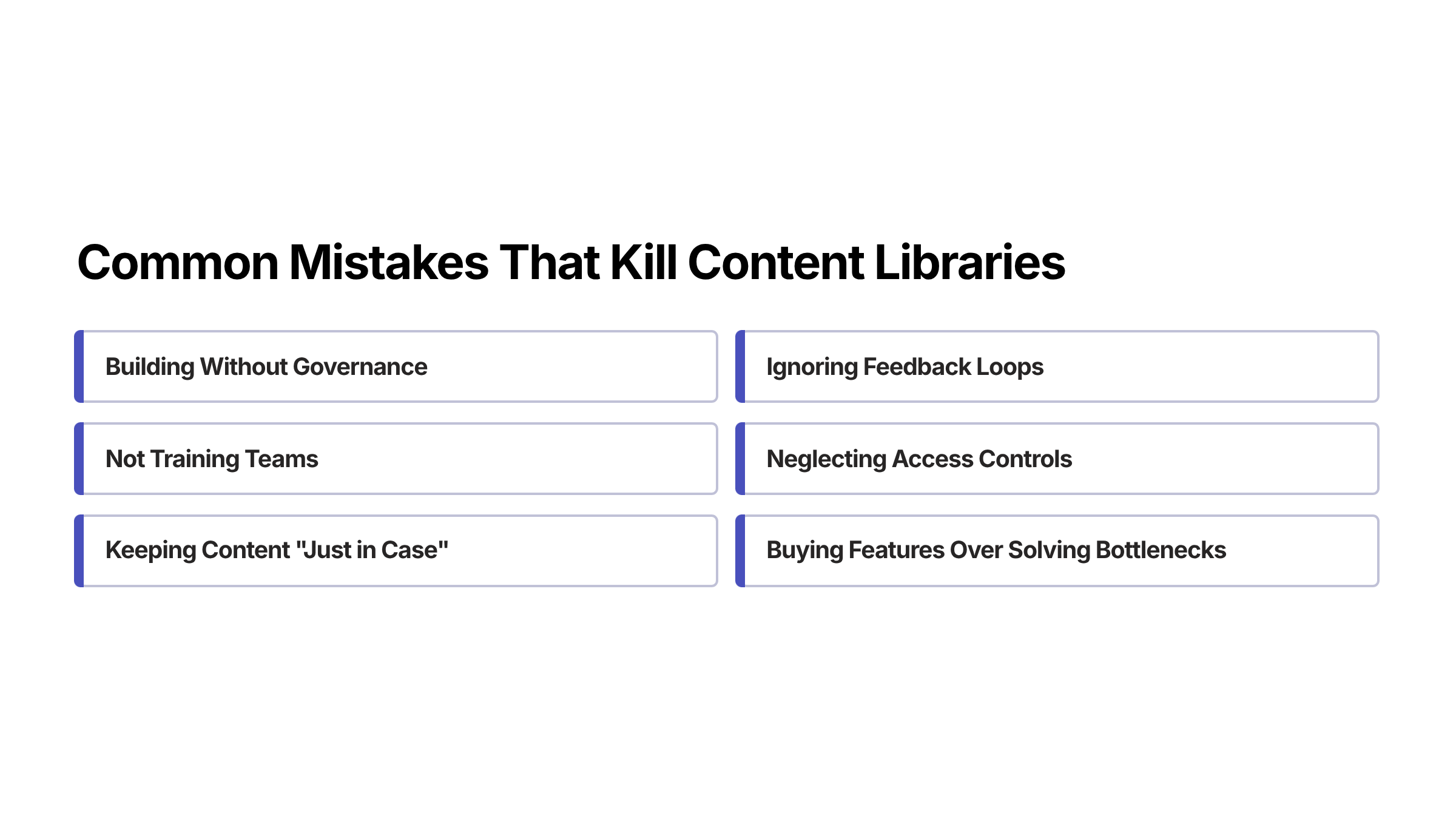
Common Mistakes That Kill Content Libraries
After watching dozens of teams build and scale RFP content libraries, these are the patterns that lead to failure:
- Building without governance. Adding answers without review or approval reduces library credibility and increases submission risk. One bad answer in a compliance section can disqualify an entire bid.
- Ignoring feedback loops. Failing to collect input from SMEs and sales teams prevents the library from improving over time. If the people using it cannot flag problems, problems accumulate silently.
- Not training teams. Even the best library is ineffective if users do not know how to navigate or contribute to it. Adoption requires onboarding, not just access.
- Neglecting access controls. Unrestricted edits risk accidental or malicious changes to sensitive content. Role-based permissions are not optional.
- Buying feature breadth over solving bottlenecks. Long feature lists in RFP tools rarely address actual pain points like SME availability, review delays, or content trust.
- Keeping content just in case. Lean, high-quality libraries save more time than bloated repositories. If it has not been used in 12 months and is not compliance-related, archive it.
How SparrowGenie Helps You Build and Scale Your Content Library
If you have read this far, you are probably thinking: this all sounds great in theory, but how do I actually execute this without it becoming another initiative that dies on the vine?
That is exactly the problem SparrowGenie was built to solve.
SparrowGenie gives your team a centralized, AI-powered content hub where pre-approved answers, case studies, compliance content, and commercial templates live in one governed, searchable system. Your team uploads their existing documents, and the AI builds a structured knowledge base from them, no manual Q&A pair creation required.
When an RFP comes in, SparrowGenie maps each question to relevant content from your library, generates confidence-scored draft responses with source citations, and routes them to the right SMEs for review and approval. The entire lifecycle, from content creation to governance to response generation, happens in one place.
What makes this different from a static content library or a generic AI tool:
- Evidence-based AI: Every generated response cites its source from your library. No hallucinations. No fabricated data. Your team can verify every claim before it goes out the door.
- Confidence scoring: Each answer gets a confidence score so reviewers know where to focus their attention. High-confidence answers fly through. Low-confidence ones get flagged for SME review.
- Role-based workflows: Owners, managers, and contributors each see exactly what they need to. Approval flows are built in, not bolted on.
- Obligation tracking: Commitments made during the proposal cycle, like sharing documents, delivering revisions, or confirming feasibility, are tracked inside the same system. No more side-channel spreadsheets.
- Company intelligence: When you create a project, SparrowGenie auto-generates an evidence-based company briefing from verified public sources. Your SMEs start answering with structured context, not from a blank page.
The result? Faster first drafts. Fewer SME interruptions. Governed content that stays fresh. And a proposal team that scales without scaling headcount.
The Bottom Line
The most effective RFP content libraries follow a simple mantra: personalize last, govern always, measure everything.
Start with a minimum viable library of 50 to 100 goldenized entries. Establish clear ownership and review cadences. Design for retrieval rather than storage. Integrate the library into existing workflows so adoption is frictionless.
Then layer AI on top of that well-governed foundation to unlock compounding returns.
When content is trusted, reuse increases. When reuse increases, response time collapses. And when response time collapses, your team handles more RFPs, submits higher-quality proposals, and wins more deals.
That is not a theoretical outcome. That is what happens when you treat your content library as the strategic asset it is.
Ready to stop chasing answers and start scaling your proposal operations? See how SparrowGenie turns scattered content into a governed, AI-powered knowledge base that helps your team respond faster, with confidence. Book a demo to know more.
Ready to see how AI can transform your RFP process?
Product Marketing Manager at SurveySparrow
A writer by heart, and a marketer by trade with a passion to excel! I strive by the motto "Something New, Everyday"